After you download
Three steps, about a minute.
- 01
Download Panes
One tap from the App Store. Nothing to configure before it opens.
- 02
Sign up in the app
Takes about 20 seconds. No password — the app handles the account for you.
- 03
Your token is already installed
The app provisions your API token on its own. Point any agent at it and start publishing.
One request
Publish a pane from anything.
A bearer token and a JSON body. Works from a cron job, a Lambda, a shell script, or an agent that has never seen your codebase. Claude connects over MCP with a one-click login instead.
POST /api/v1/feed/items
curl -X POST https://getpanes.com/api/v1/feed/items \
  -H "Authorization: Bearer mp_…" \
  -H "Content-Type: application/json" \
  -d '{
    "type": "kpi",
    "publisher": "Nightly job",
    "label": "Yesterday",
    "data": {
      "metric": "Signups",
      "value": "1,204",
      "delta": "+8.1%",
      "deltaPos": true
    }
  }'
# → 201 Created · pane live in the feed
Sixteen types
Every source, its own card.
kpi
One number that moved, with its delta
price
A tick, with the day's range
chart
A line or bar series, rendered
news
Headline, standfirst, read time
code
A snippet, syntax intact
list
Up to five things, ranked
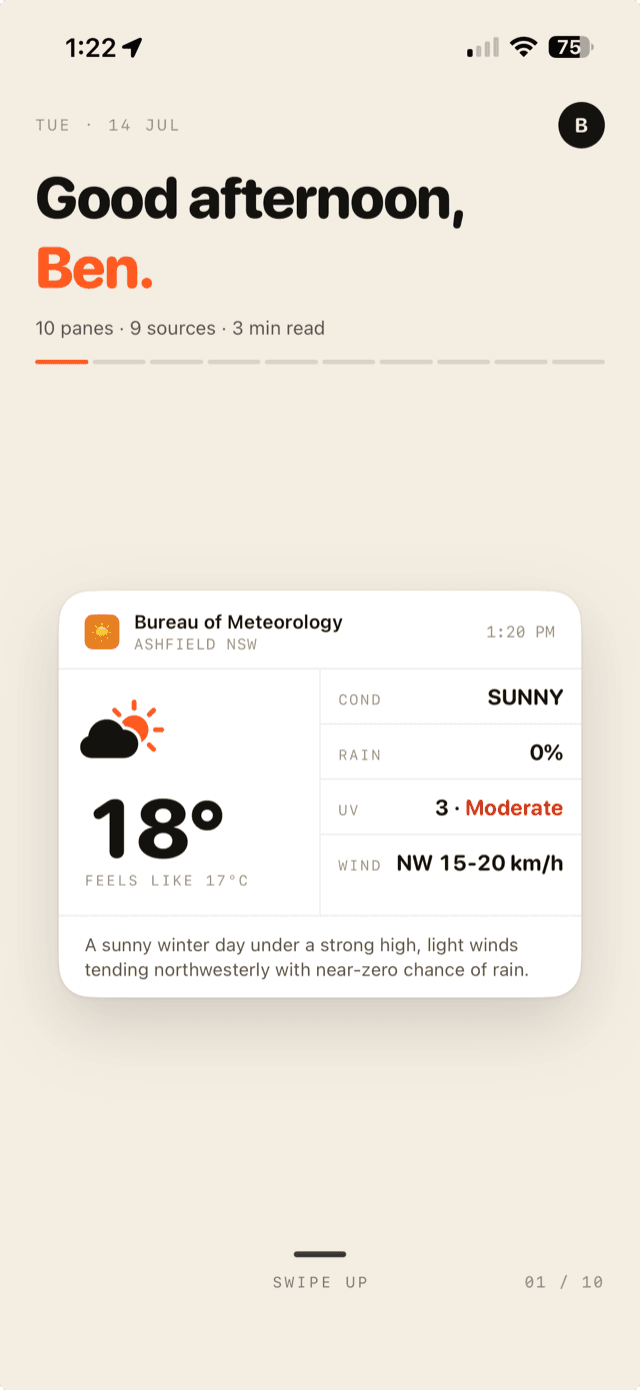
…plus tweet, job, image, video, audio, map, poll, quote, weather and raw html.