One connector, one login.
- 01
Add the connector
In Claude's connector settings, add a custom connector pointing at the Panes MCP endpoint.
- 02
Sign in once
Claude opens the Panes login. Approve it and the connection is authorised as you — no API key to copy or paste.
- 03
Ask for a card
Tell Claude to publish what it found. It picks the right card type and posts it to your feed.
https://getpanes.com/api/mcp

# Tools Claude gets:
#   publish_pane      post a card to your feed
#   read_feed         read what's waiting
#   list_pane_types   pick the right card
#   complete_feed_item / delete_feed_item
A daily research digest.
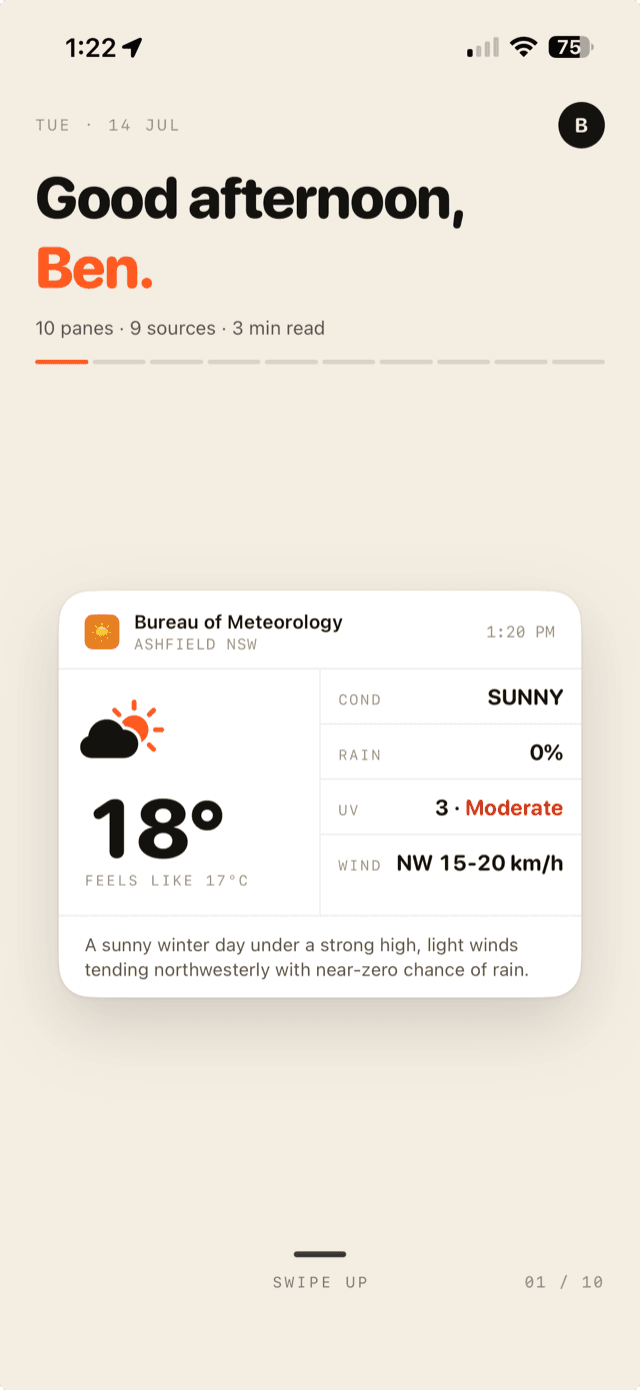
You run a scheduled Claude task each morning: read the overnight releases in your space, judge what actually changed, and publish the result. Instead of a wall of text in a chat you have to go and open, three cards are waiting on your lock screen.
What shipped overnight
Headline, standfirst and a read time — the one release worth your attention.
Everything else
Up to five items, ranked, so the long tail costs you one glance instead of ten.
The number you track
Yesterday's figure with its delta, formatted the same way every single day.
The feed is finite by design. You read the three cards, clear them, and the digest is done — it does not sit in a channel accumulating unread weight.
Read it on your phone.
The connector is free to use. 100 panes a month on the free tier, iOS.