Docs
Pane types
A pane is a typed card. You publish an envelope with a type and a data payload, and the app draws the card. These are all 17 types, generated from the same registry the API validates against.
Machine-readable: /api/v1/panes/types (JSON Schema per type). The whole style guide as one markdown file: /docs/panes.md. Auth, publishing and the feed: the API guide.
Every type
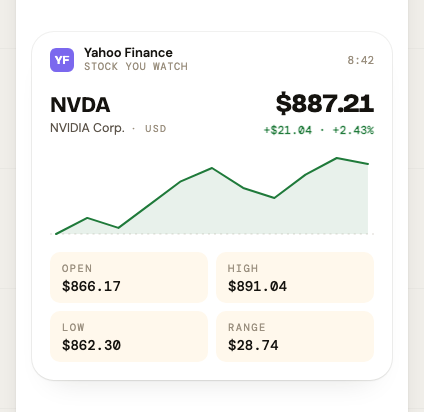 priceA tradeable asset's current price with its intraday shape — stocks, crypto, FX, commodities.
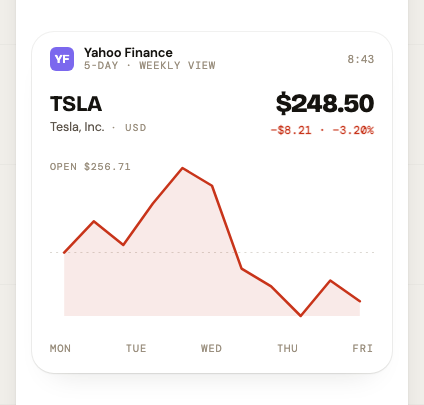 chartAny single series over a window where the shape of the trend is the point — including non-financial metrics. Reach for
 price instead when it's a live quote and the current number matters more than the curve.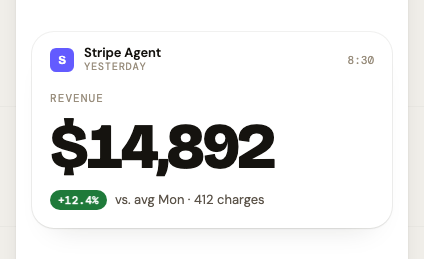 kpiOne number that moved, and how it's doing. The default choice for any daily or weekly metric check-in.
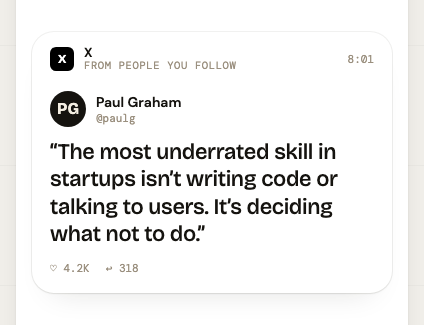 tweetSomeone else's social post, reproduced as they wrote it — X, Mastodon, Bluesky, LinkedIn.
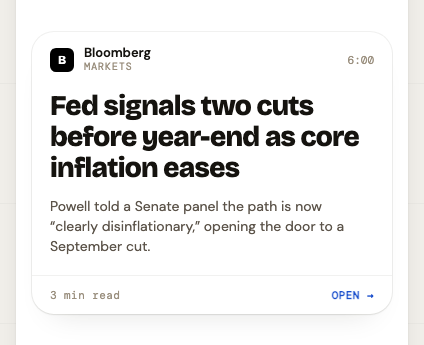 newsA published story worth surfacing: headline, one line of context, a link out.
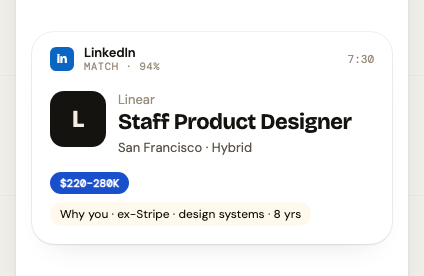 jobAn open role surfaced to someone who might want it.
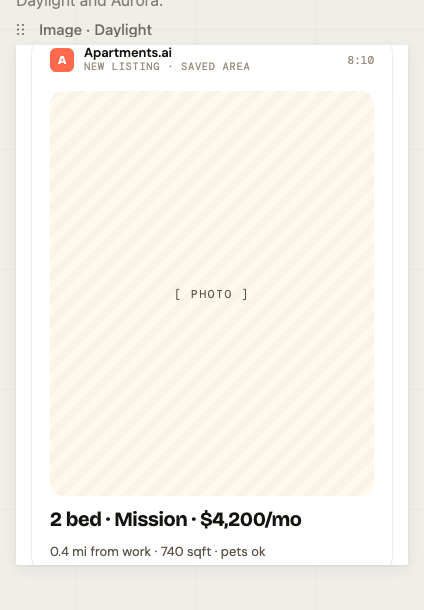 imageA picture that is itself the point — a photo, a generated render, a screenshot worth seeing.
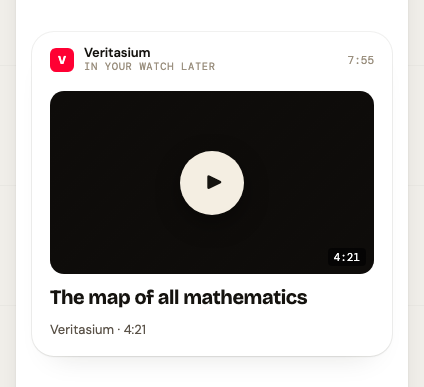 videoA video worth the user's next ten minutes — an upload, a recording, a clip.
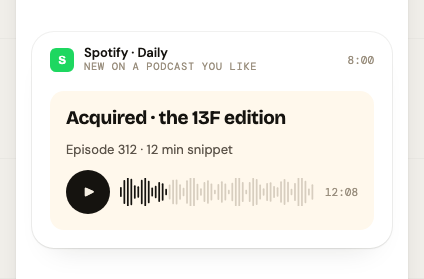 audioSomething to listen to — a podcast episode, a voice note, a generated briefing.
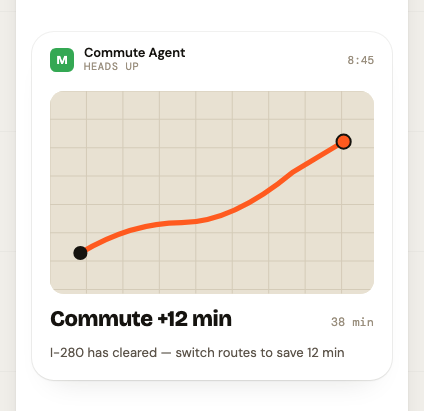 mapGetting from A to B, right now — a commute warning, a leg of a trip, a leave-by nudge.
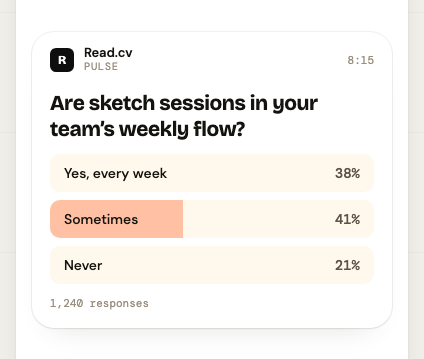 pollResults of a vote or survey — how a group actually answered. This card reports results; it doesn't collect them.
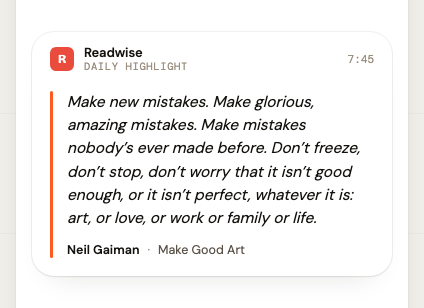 quoteWords worth reading slowly: a book highlight, a line from an interview, a passage someone saved.
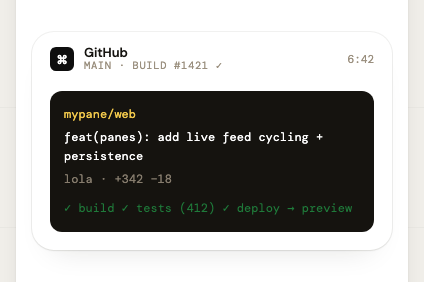 codeSomething happened in a repo: a commit landed, a build went red, a deploy shipped.
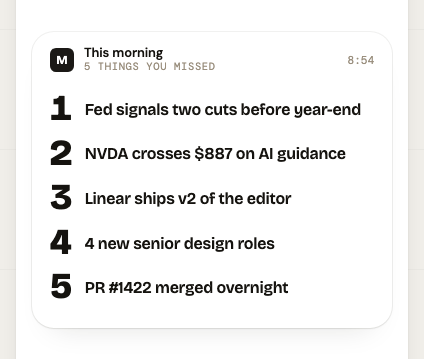 listA handful of short parallel items — a roll-up of numbers, today's agenda, a set of tasks — or a live view of a stored list the user keeps on the server.
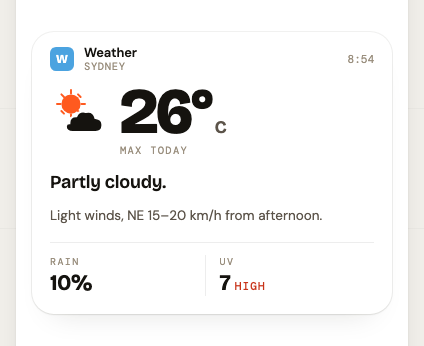 weatherConditions where the user is, now and for the next few hours.
no preview yet
countdownSomething happens at a known moment and the reader wants to know how long until it does: a launch, a race, a deadline, a flight.no preview yet
htmlLast resort. Reach for html only when no structured type can carry the content — a bespoke visual, an unusual layout, a table that isn't a list. A structured pane inherits the design system for free; an html pane is on its own, and a mediocre one looks foreign in a feed of well-made cards.Choosing a type
| When you have… | Use |
|---|---|
| One number that moved | kpi |
| A market price, with intraday shape | price |
| Any other series over a window — including non-financial metrics | chart |
| A published story: headline, one line of context, a link | news |
| Someone's social post, reproduced verbatim | tweet |
| A passage worth reading slowly — a highlight, a line from an interview | quote |
| Three to six short parallel items, or tasks with a done state | list |
| Results of a vote or survey | poll |
| An open role surfaced to someone who might want it | job |
| A picture that is itself the point | image |
| Something to watch | video |
| Something to listen to | audio |
| Getting from A to B, right now | map |
| Conditions where the user is | weather |
| A commit, build, or deploy worth interrupting someone about | code |
| A known moment coming up — a launch, a race, a deadline — counted down to | countdown |
| Nothing above fits and the content is genuinely visual — last resort | html |
The envelope
Every pane, whatever its type, is sent in the same envelope. These fields mean the same thing on every type, so they’re documented once here rather than on each type’s page.
| Field | Type | Notes | |
|---|---|---|---|
type | string | required | One of the registered pane types below. An unknown type is rejected with a 400. |
publisher | string | required | Display name of the source, e.g. "Yahoo Finance". 1–80 chars. |
publisherInit | string | optional | 1–3 character avatar initial. The avatar is the card's only identity mark — always set it. |
publisherColor | string | optional | CSS colour for the avatar (hex, rgb() or a named colour). |
label | string | optional | Short kicker printed above the card, e.g. "Markets". Up to 120 chars, but it truncates past ~35 on a phone. |
data | object | required | The type-specific payload, validated against that type's schema (the field tables on each type's page). |
readable | boolean | optional | Default false. Marks a card that reads well aloud, so the client may offer a speaker control. Must be a real boolean. |
expiresAt | string | optional | ISO-8601 datetime with an offset, after which the pane is hidden from the feed. Omit for a pane that never expires. |
House rules
What makes a card look like it belongs in the feed, on any type.
- One idea per pane. A pane is a glanceable card on a phone, not a report. If you're writing a second sentence of context, you have a second pane — or the wrong type.
- Pre-format every display string. The client renders them verbatim: "$14,892" not 14892.31, "+12.4%" not 0.124, "3 min read" not 180.
- Lead with the subject. The first field is what gets read at a glance — the number, the headline, the person's words.
- Use
labelas a kicker, not a sentence: 2–5 words, no trailing period. "Yesterday", "Markets", "Match · 94%". - Say it once.
labelrenders directly above the card's own first line — akpi's metric, alist's first item — so a label that repeats it prints the same words twice, stacked. Spend it on what the card doesn't already say: the timeframe, the source, the occasion. - Always set
publisherInitandpublisherColor. The avatar is the card's only identity mark, and an unset one reads as unbranded. - Leave
readableoff unless the card genuinely reads well aloud. It's an optional envelope boolean, defaultfalse, and setting it lets the client offer a speaker control that speaks the card's contents. Worth it for prose —news,quote, a shortlist, akpiwith a sentence of context — and for hands-free or accessibility situations. Wrong for dense numbers,code, anything whose value is visual (chart,image,video,map), andaudio, which already carries sound. Omitting it is the right call for most panes. - Leave
priorityoff unless the pane is worse to read an hour late. It's an optional envelope boolean, defaultfalse: a priority pane is pushed within a minute, naming its publisher and label, instead of waiting for the hourly batch. Right for a countdown about to fire, a price alert that crossed its line, an outage. Wrong for everything else — and it's capped per token (5 an hour, 20 a day by default); past the cap the pane is published as a normal one and a style note says so. - Give numbers something to be compared against — a delta, a baseline, a 7-day average. A number with no reference point is trivia.
- Set
expiresAton anything time-bound. Feeds are FIFO and items stay until completed; a stale price or commute from Tuesday is worse than no pane at all. For acountdown, that meanstargetplus a short grace window — a countdown that has fired is clutter. - Write as the publisher, not as an assistant. No "Here's your…", no preamble, no emoji padding.
- Prefer a structured type over
html. Structured panes inherit the design system — type scale, spacing, dark mode — andhtmlpanes don't. - Treat schema maximums as ceilings, not targets. The card is 360pt wide on a phone, which is the real limit: a
labeltruncates past ~35 characters, and a one-line context string wraps past ~40 — nowhere near what the schemas allow. - Check
howItRenderson the type before composing. It says where each field lands on the card and what the treatment draws for you — most bad panes are a reasonable payload written blind.